Answer the shop from anywhere, and pass calls to the team with a tap.
Your business line
,
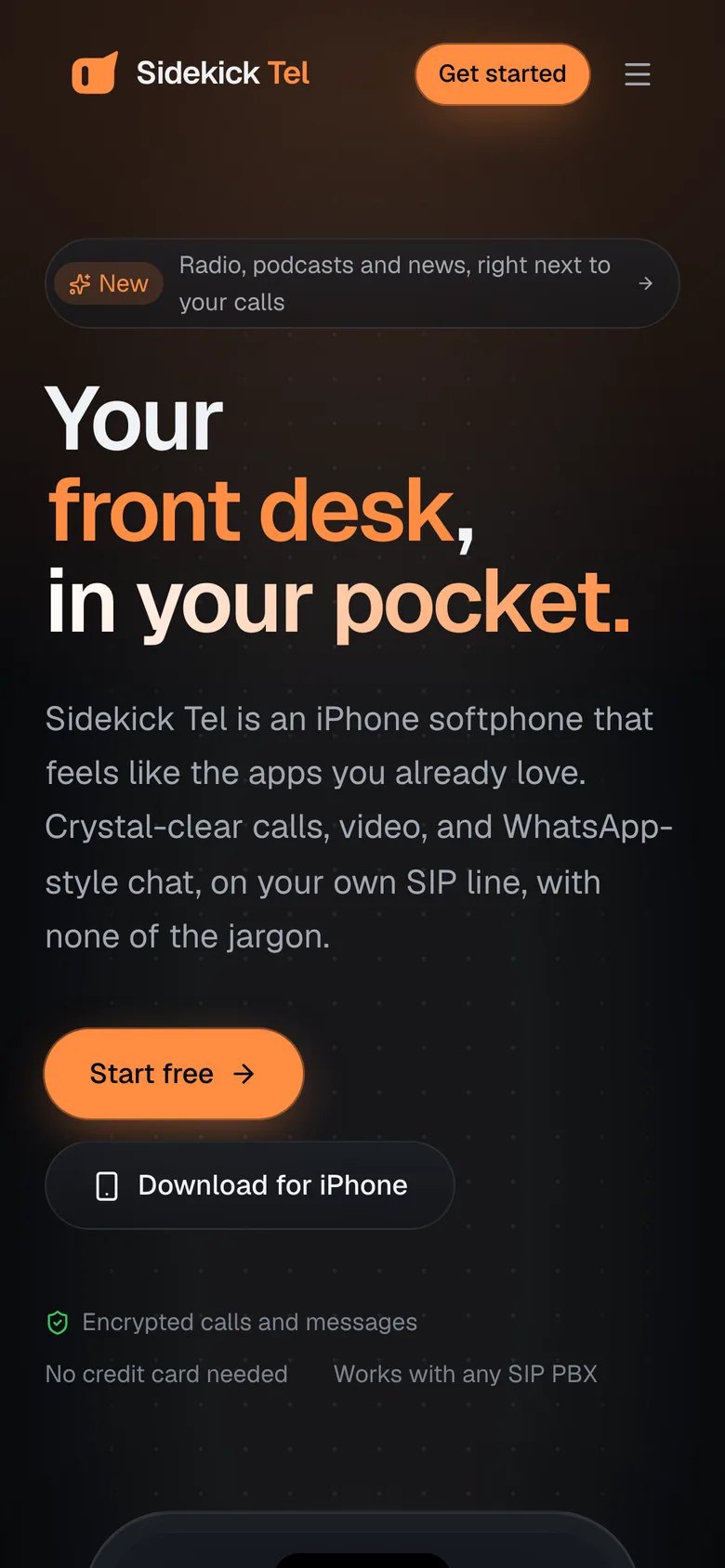
in your pocket.
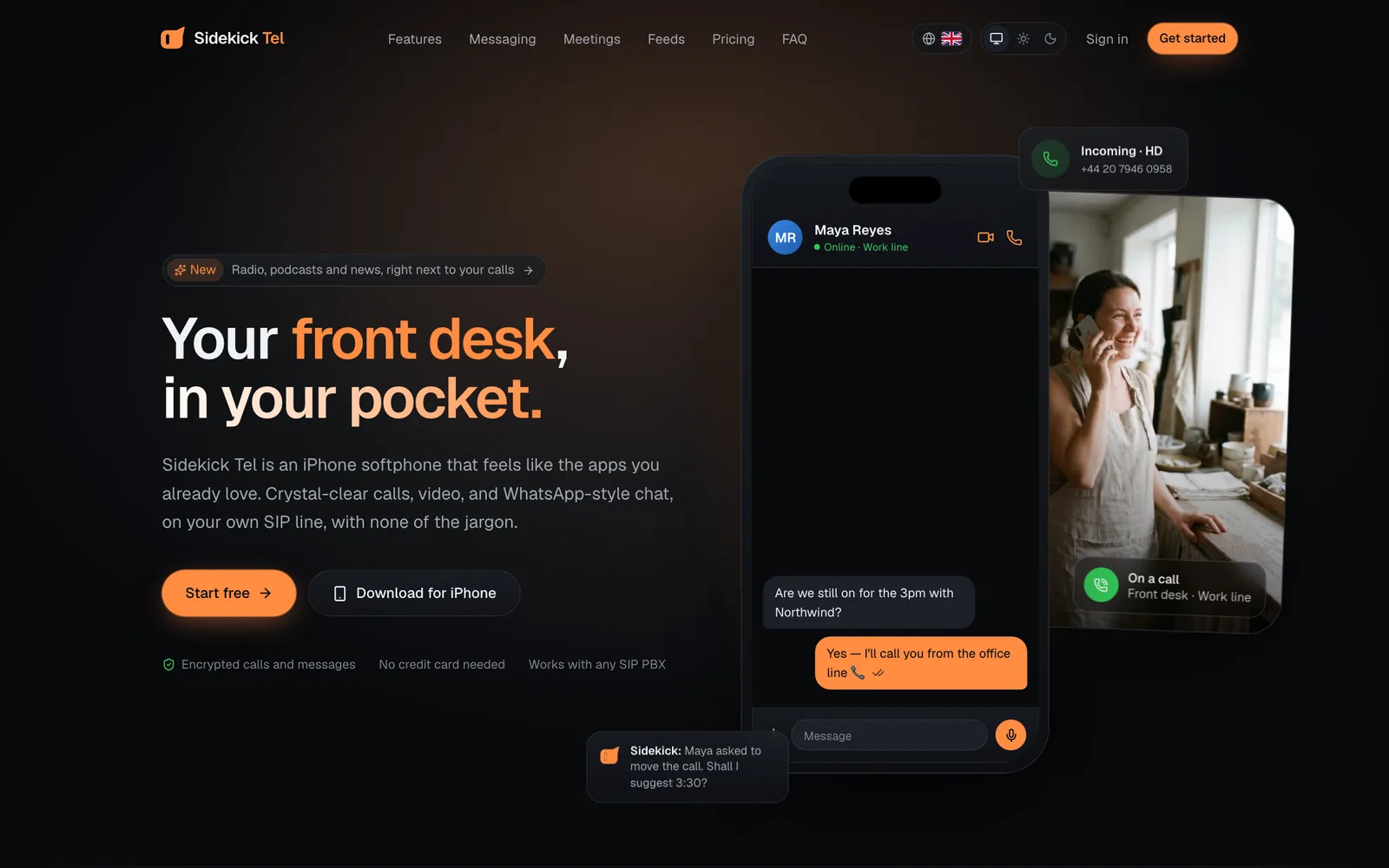
Sidekick Tel is an iPhone softphone that feels like the apps you already love. Crystal-clear calls, video, and WhatsApp-style chat, on your own SIP line, with none of the jargon.
One app, every line
A line for everyone
who matters to you.
Run the shop, keep the family close and give your teenager a number of their own, all from one iPhone app, with a separate line for each.
The softphone, rethought
Professional calling.
Consumer-grade polish.
Everything a desk phone does, none of what makes SIP apps feel like 2009. You'll see “Work line ready”, never “REGISTER 200 OK”.
HD voice with a live waveform
Opus wideband audio, echo cancellation and a waveform that moves with the voice on the other end, so you always know the line is alive.
Video, with consent
Your camera never switches on by surprise. Accept with audio first, turn video on when you're ready.
1080pEvery line, one app
Work, personal and a shared queue side by side. Pick the line per call, or let the app choose.
Transfer, merge, hold
“Speak first” or “Transfer now”. Hold & answer a second call, swap between the two, or merge them into one.
Presence that means something
Green, yellow, red, grey: see who's free before you call, synced from your PBX. You go Away by yourself after five quiet minutes.
ALJSMRKTPrivate by design
TLS signalling, SRTP media and a lock that tells you when a call is encrypted. SIP passwords live in the iPhone Keychain and never touch our servers. Sign-in is by passkey or a one-time code.
Messaging
Chat like WhatsApp.
On your own phone line.
Read receipts, typing, reactions and replies, voice and video notes, GIFs and rich media, all on the same Sidekick line you call from.
Delivered over the Sidekick phone system, not a third-party chat app.
Meetings
Meet face to face.
Share what's on your screen.
Start a video or audio meeting with up to nine people from Calls or any group chat. Everyone you invite gets a Join card, and the PIN is typed for them.
Leo
Priya
JamesStart from anywhere
Turn a group chat into a meeting in a tap, or start one from Calls. Invites arrive in the chat as a Join card.
You're the host
Mute one person or everyone, remove someone, lock the room, ring someone in by number, or end it for everyone.
Share your screen
In any video call or meeting, share just Sidekick Tel or your entire iPhone, at full camera frame rate.
Two calls at once
Hold & answer a second call, swap between the two, or merge them into one call.
Feeds
Radio, podcasts and news,
between calls.
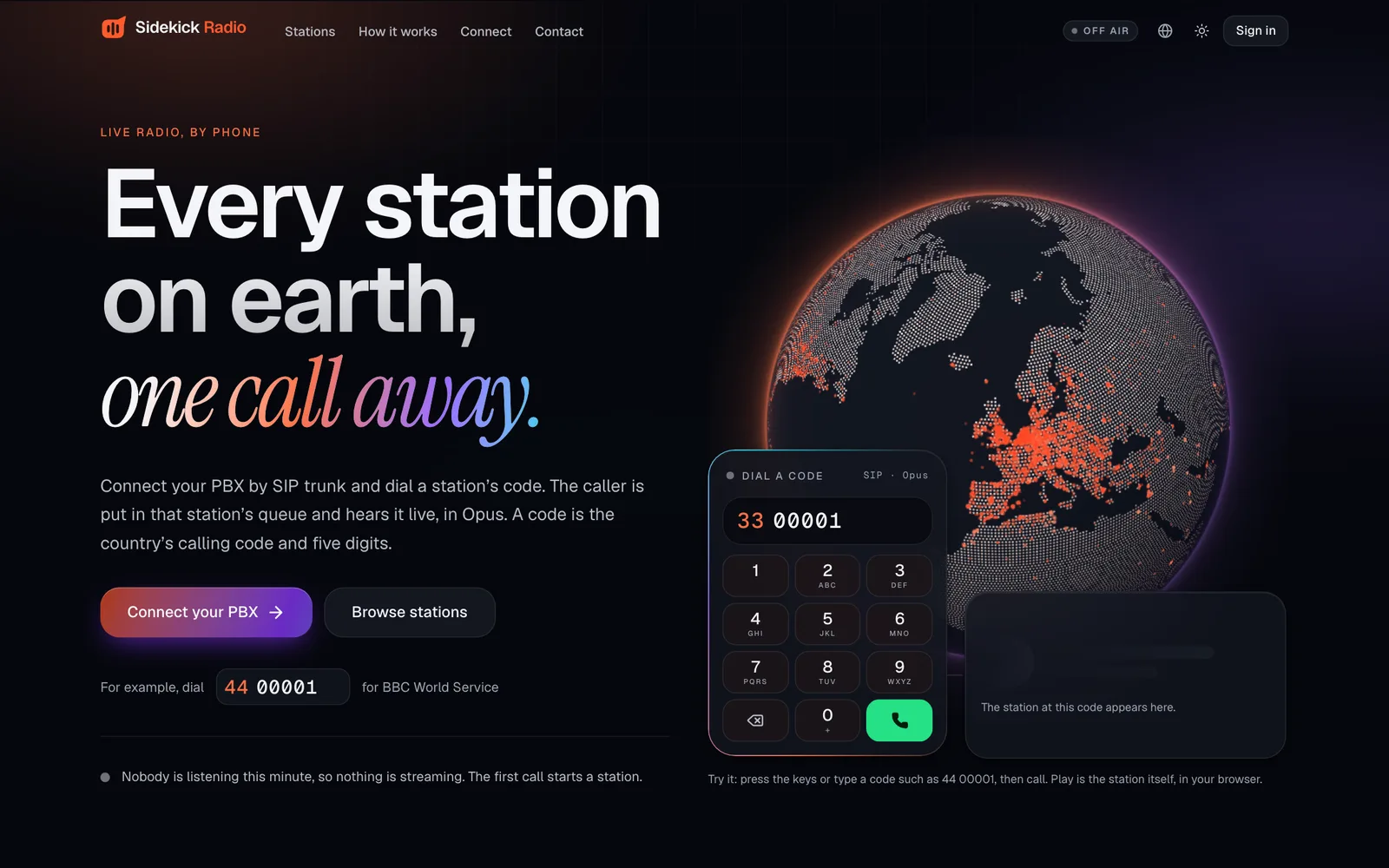
Feeds is where your chats live, and now live radio, podcasts and news sit beside them, with a wave drawn from whatever's playing.
Live radio from around the world
Popular stations in your country or worldwide, 70 genres and your favourites, with the song and artist as they play and controls on the Lock Screen.
- A call stops the radio and pauses your podcast, right where it was.
- Send a station, an episode or a story to friends as a card they can play or read.
- Favourites, follows and places live on your account, so every iPhone matches.
Friends
Only friends get through.
Everyone else hears busy.
On Sidekick, people find you by your @handle, and nobody can call or message you until you've accepted their friend request.
Your @handle, not your number
Pick a handle when you sign up and share that. Friends call and chat with you without ever seeing your extension.
Requests first, calls second
Calls and chats from people on Sidekick who aren't your friends are refused by the app and by the service. Ordinary phone numbers on your lines still ring as normal.
Remove or block in a tap
Unfriend someone or block them from their contact card. Blocked people are refused on every line.
“Hi! It's Leo from the café 👋”
Inside the app
Calm, clear and familiar.
Real screens from Sidekick Tel on iPhone. Five tabs: Calls, Contacts, Mentor, Feeds and Account.
Try it
Go on,
make a call.
Tap the keys, or type on your keyboard. The keypad is a floating sheet in the app, not a tab you'll never use.
Calling, ringing, connected: states you can read at a glance
One tap to mute, speaker or hand over to AirPods
Line picker only appears when you have more than one
Mentor
An assistant that
knows your calls.
Mentor runs on your iPhone with Apple Intelligence. Ask who called, what's waiting in voicemail or where a chat left off, and it lines up the call or message for you to confirm. Nothing leaves your phone.
Needs an iPhone with Apple Intelligence.
Set up in minutes
Three steps to your first call
Create your account
Sign up with your email and a one-time code, no password. Then pick your @handle, which is how friends find you.
Your Sidekick line is ready
Every account gets a Sidekick line straight away. Add up to four more from your company or any SIP provider.
Call, chat and listen
Calls ring through CallKit even when the app is closed. Chats, contacts, history and favourites follow you to every iPhone.
Pricing
Simple plans. Bring your own PBX.
Every account comes with its own Sidekick line. Add lines from any SIP provider, and only pay for the app.
Personal
One line, all the essentials.
- 1 SIP line
- HD voice and video
- 1:1 messaging
- 30-day call history
Pro
For people who live on the phone.
- Up to 5 lines
- Group chats and media
- Call recording
- Mentor, the on-device assistant
- Unlimited history
Team
Per seat, for the whole office.
- Everything in Pro
- Admin portal
- Provisioning by QR
- Shared contacts
- Priority support
FAQ
Questions, answered
If your PBX or provider speaks SIP, yes. Sidekick Tel is tuned for PortSIP, including messaging and presence, and works with Asterisk, FreePBX, 3CX and most SIP trunks for calls.
Your sidekick is ready when you are.
Create an account, add your line and make your first call in under five minutes.